Group
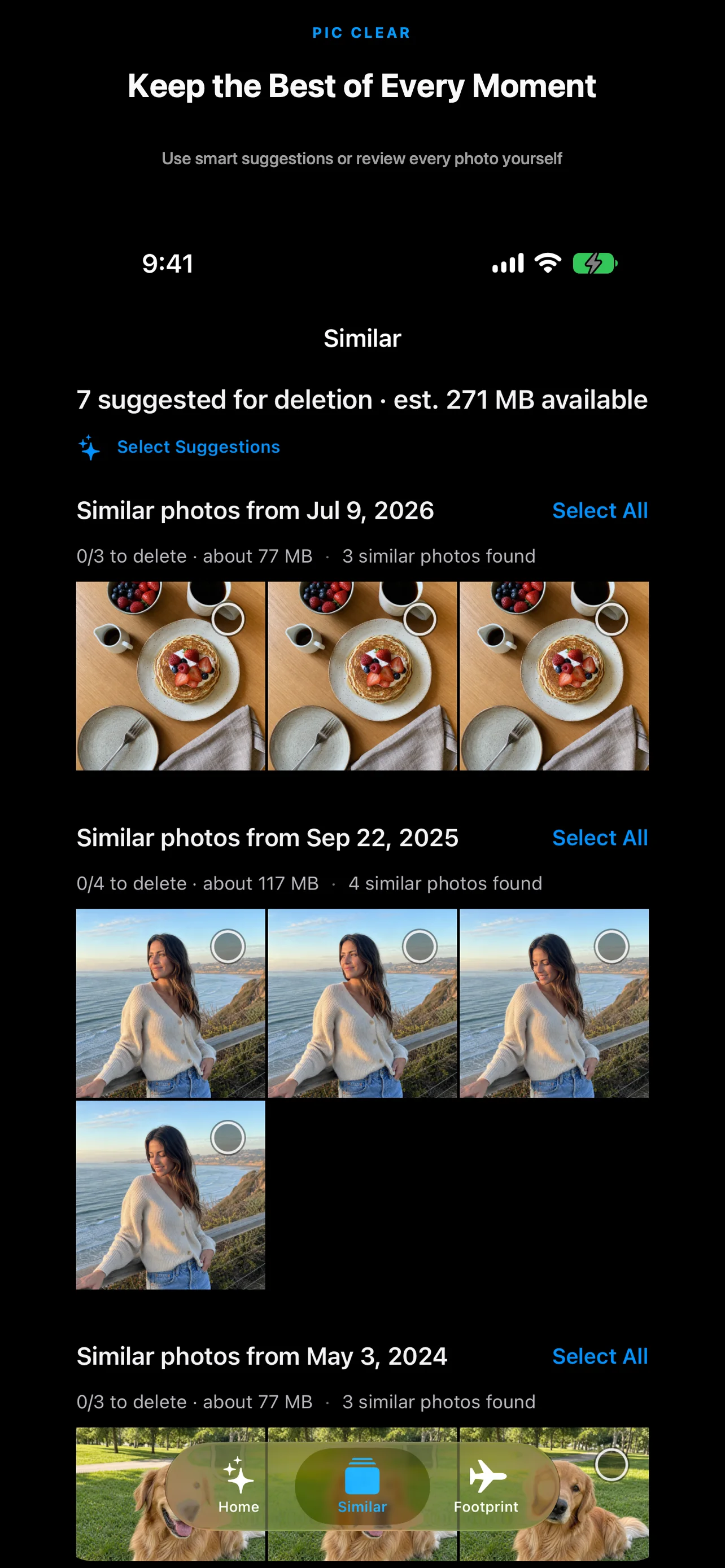
Review similar shots, duplicates, screenshots, and large files separately.
 PIC CLEAR
ON-DEVICE PHOTO ORGANIZER · IPHONE
PicClear sorts similar shots, duplicates, and large files on your iPhone. It also groups location-tagged photos by city. Nothing is uploaded, and you choose what to delete.
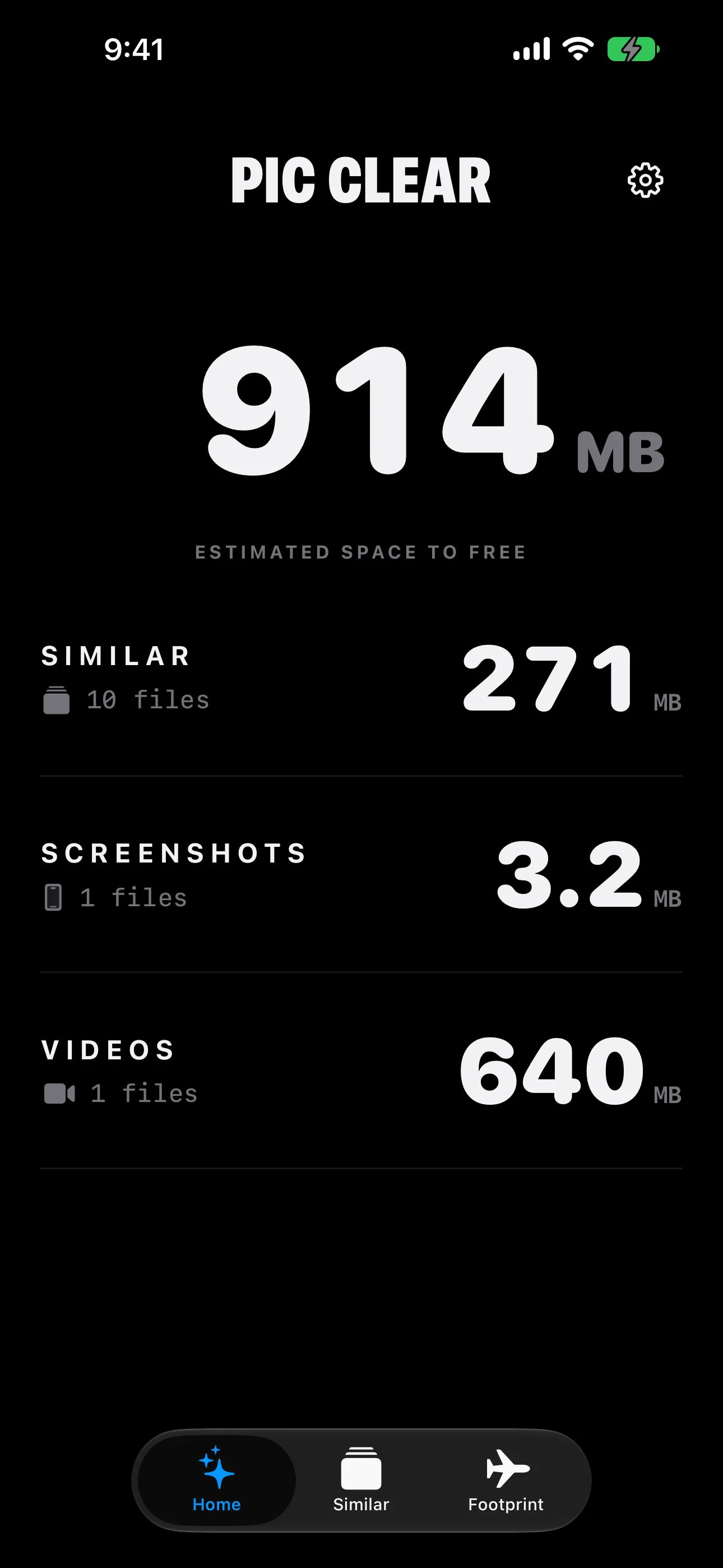
PICCLEAR 1.1 · ACTUAL INTERFACE
CLEANUP & MEMORIES
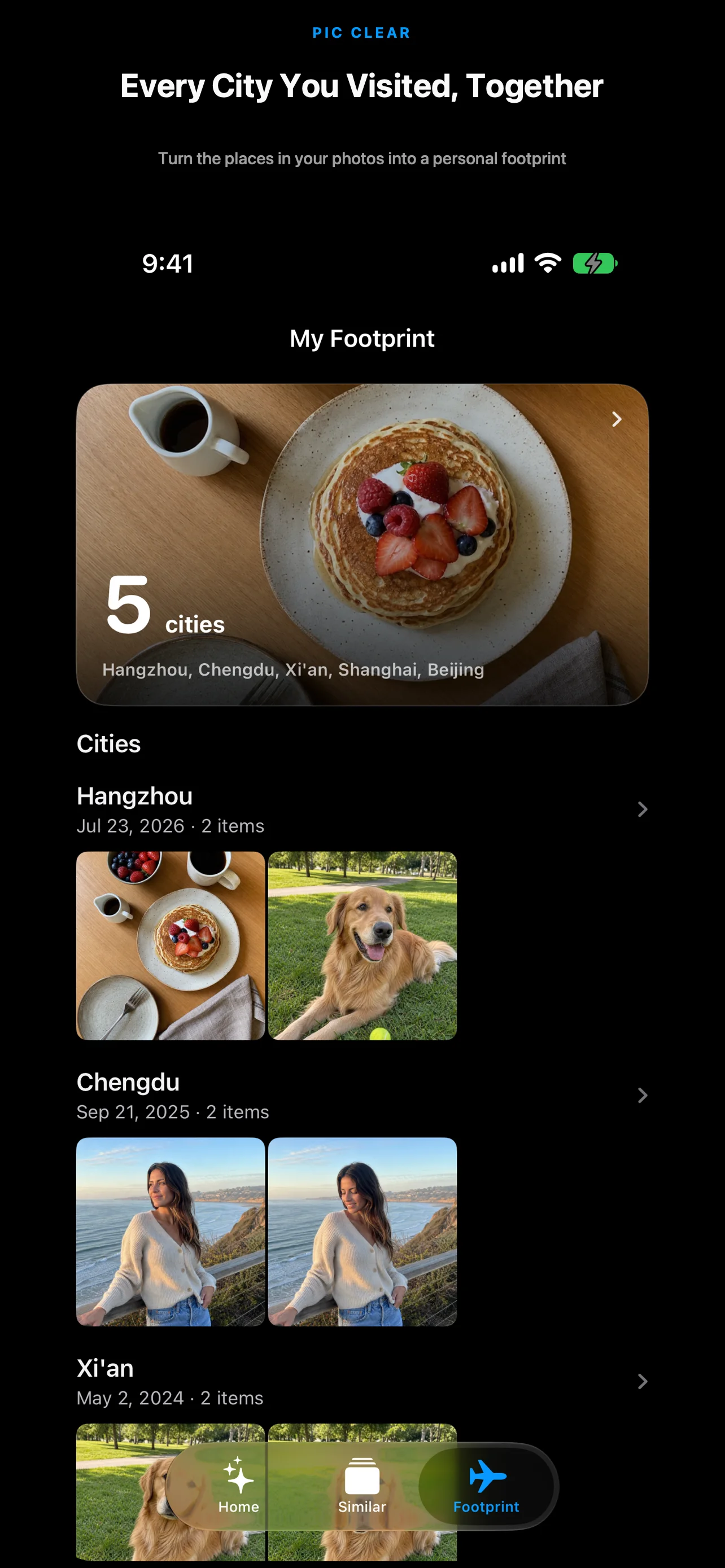
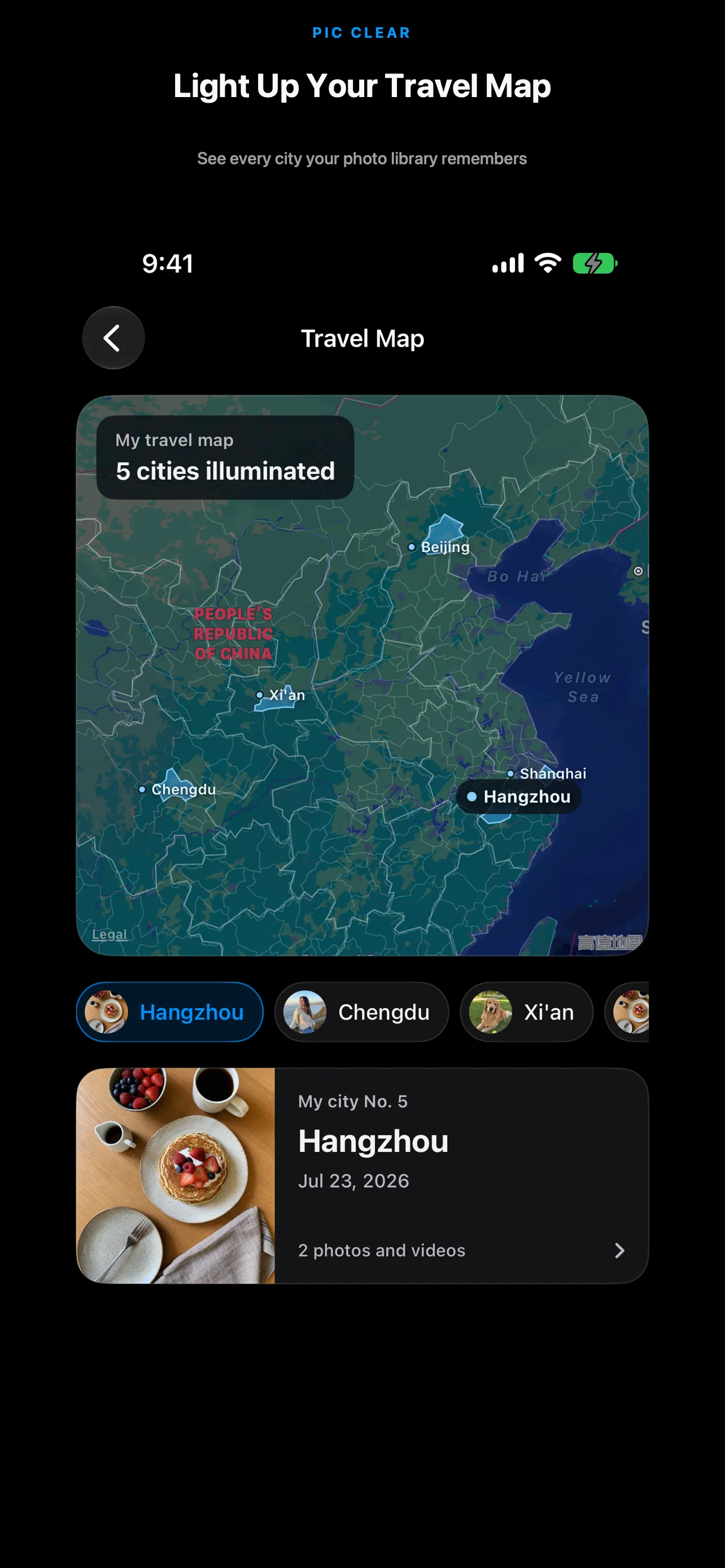
Start with groups, then decide what goes. Location-tagged photos also appear in Footprints.
Review similar shots, duplicates, screenshots, and large files separately.
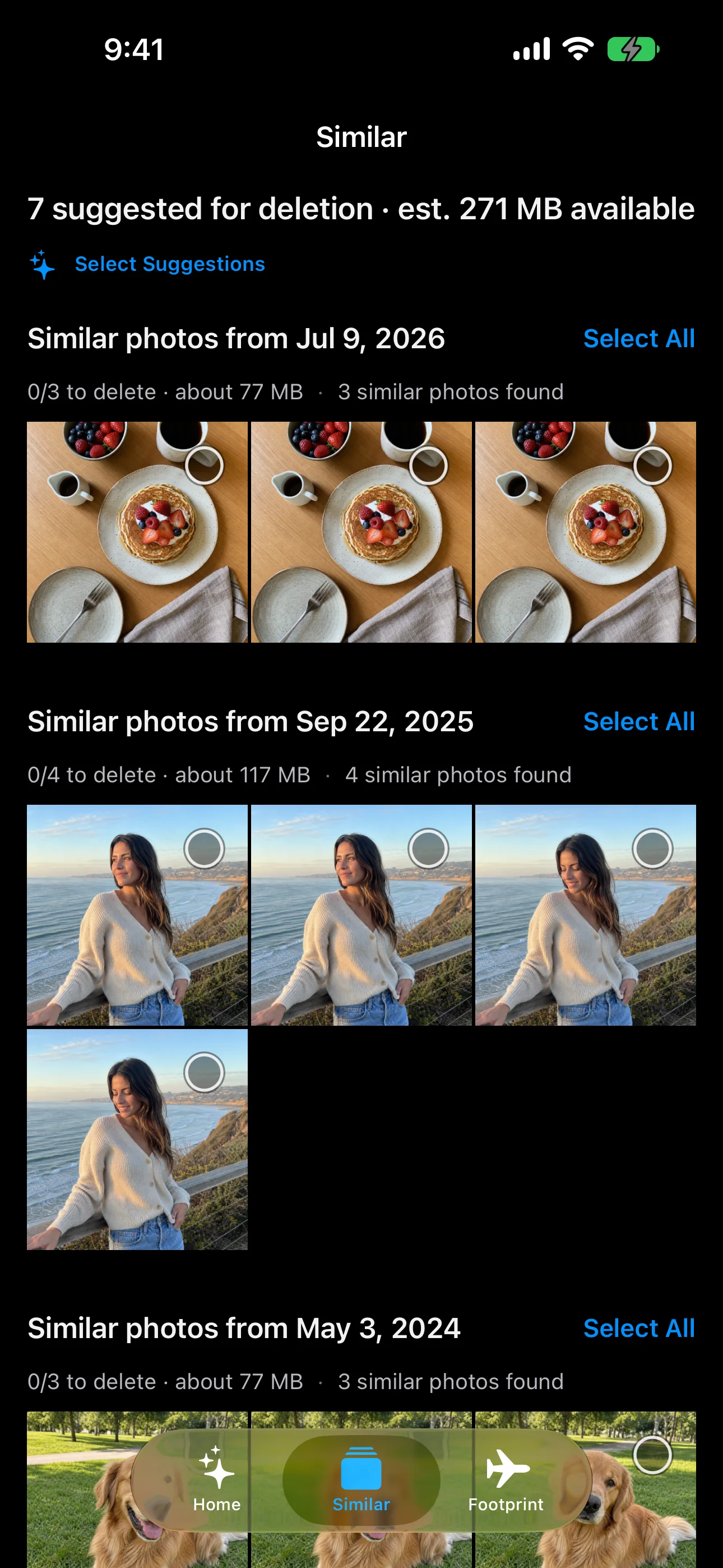
Select photos yourself or start with suggestions. iOS still confirms deletion.
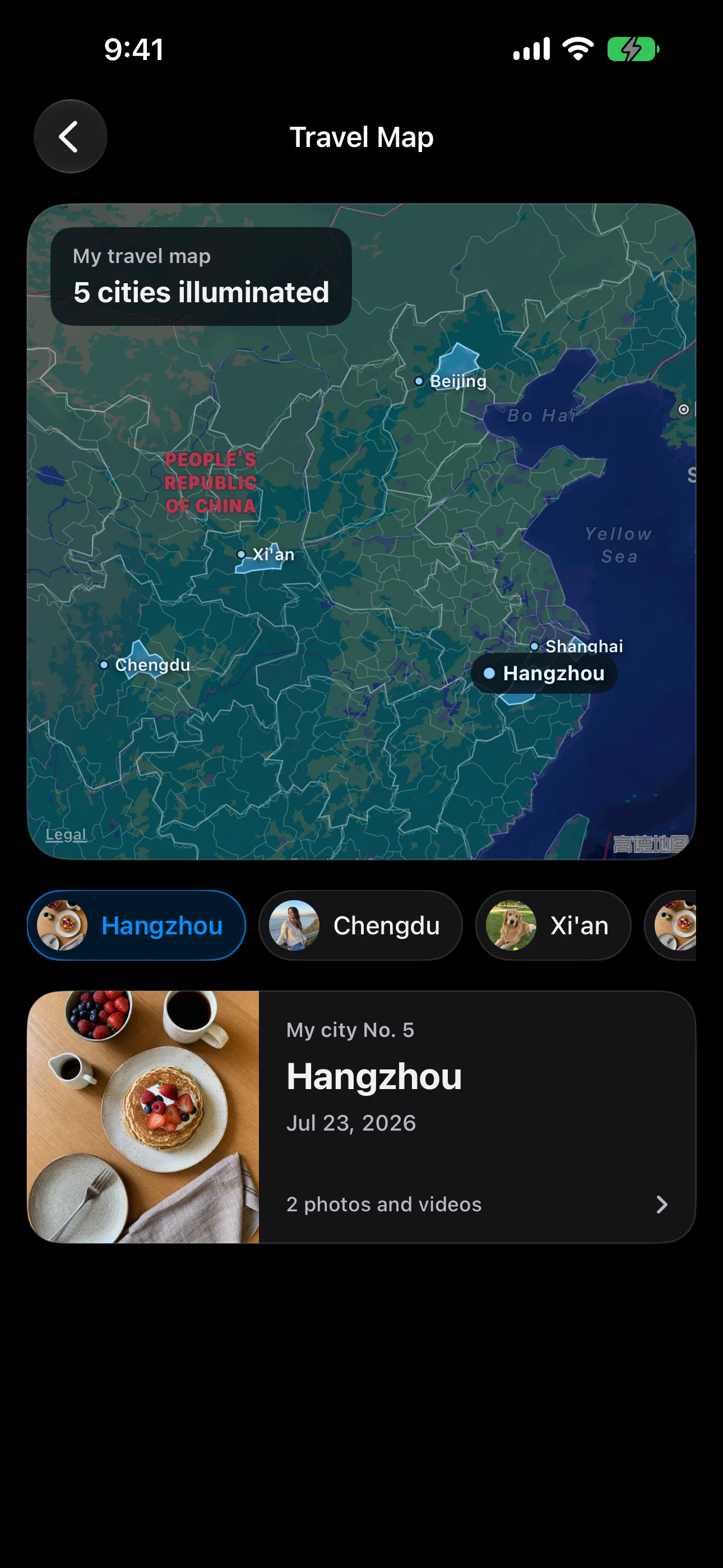
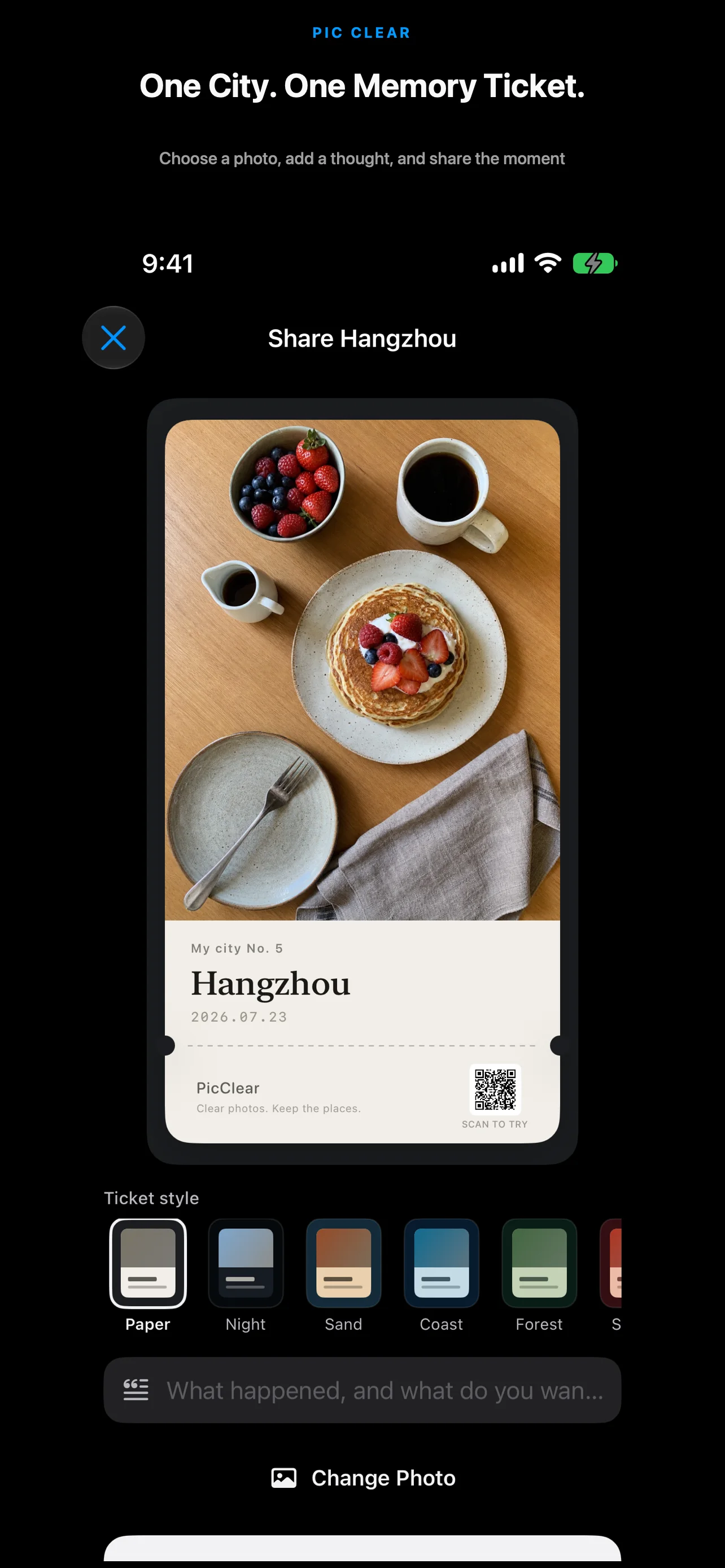
Browse photos by city, choose a cover, and make a travel card.
SIDE-BY-SIDE REVIEW
Burst shots and photos from the same moment appear together. Choose manually or start with suggestions.
FOOTPRINTS
Location-tagged photos are grouped by city. View the map, choose a cover, and make a travel card.
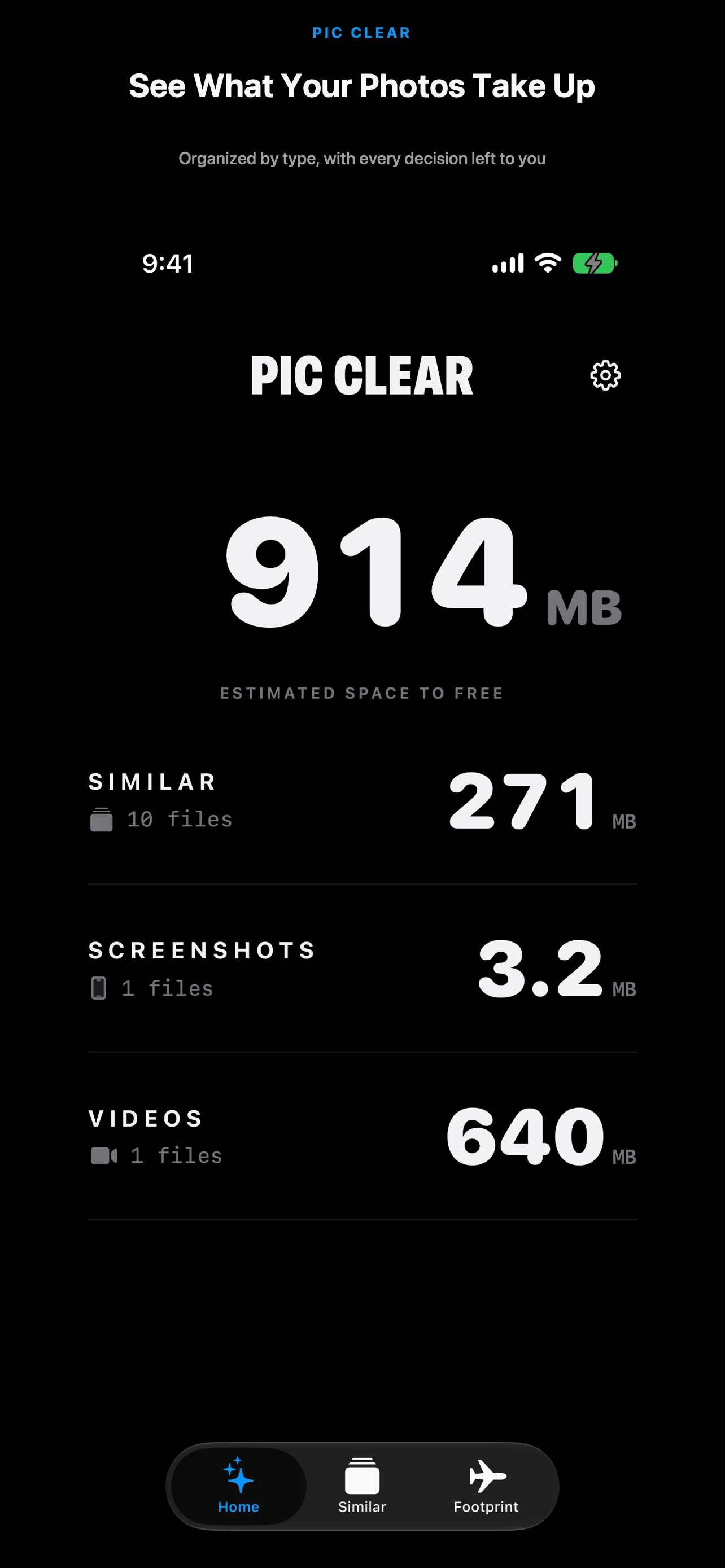
APP STORE PREVIEW
Current screens from the released app.
FREE & PRO
Manual selection and deletion are free. Upgrade when you want to process more at once.
Prices may vary by App Store region.
PRIVATE BY DESIGN
Similarity, sharpness, file size, and photo locations are processed on-device. PicClear keeps no cloud copy.
Read the full privacy policyPhotos and locations are not uploaded.
PicClear keeps no photo copy.
You approve every deletion.
FAQ
No. Suggestions only select items. You still confirm deletion.
Free users can select up to 3 GB of suggestions each day. Manual selection has no cap.
No daily cap, more analysis, and suggestions from the last 7 days.
Use any App Store button on this page.
AVAILABLE ON THE APP STORE
Download it now.
Download on the App Store